Start on the official site
Arena of Champions is a free WoW-style arena game with 1v1, 2v2 and 3v3 queues. Open arenaofchampions.live to play. This is an independent reference site: the game, account system and downloads are operated by the game developer.
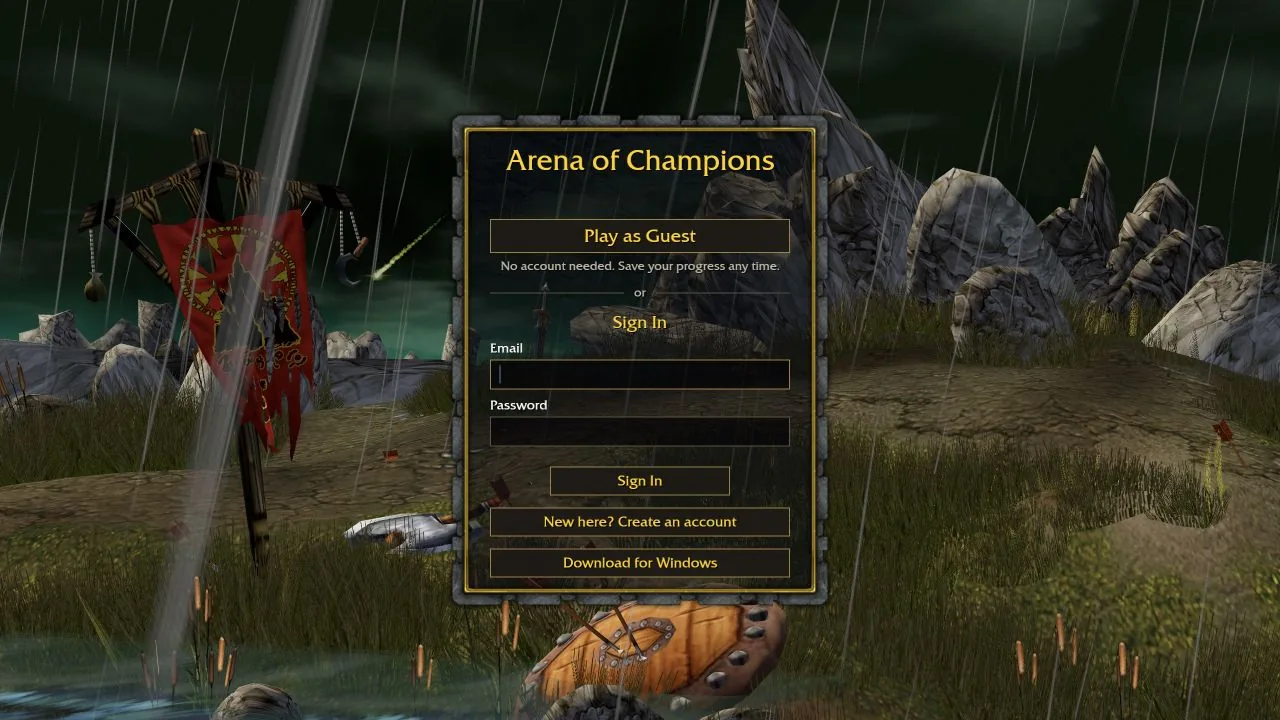
The recorded client supports guest entry as well as registered accounts. Use a guest session to explore, then register before expecting matches to count toward the rating ladder. Do not assume a guest session is a permanent backup of an account.
Practice before joining a rated queue
In town, right-click Bromli Thunderkeg, the Practice Master beside the eastern tent. Choose 1v1, 2v2 or 3v3, click the opponent class to change it, then select Start Practice. The screenshot below shows this menu in the official client.
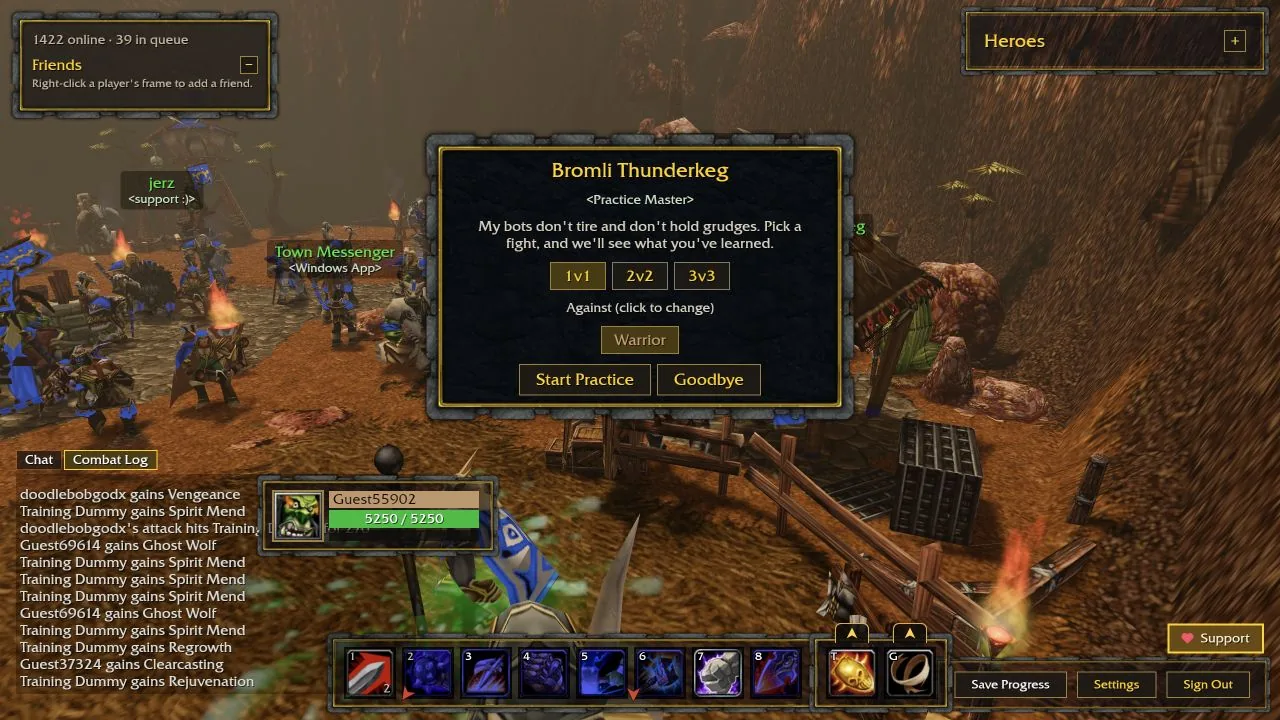
Choose a class and specialization, inspect its abilities and try a practice opponent. The first useful goal is learning which button deals damage, which helps you survive, and which interrupts or controls an opponent. You do not need a perfect rotation before learning those answers.
Use a short practice session to adjust camera movement, targeting and keybinds. Read the client’s current tooltips because a browser game inspired by WoW can use different numbers and rules.
- Read your main damage or healing ability.
- Locate your defensive and interrupt buttons.
- Choose two utilities and check their current tooltips.
- Practice moving while keeping the opponent in view.
Understand guest and rated play
The recorded update history distinguishes account-backed rating from guest play. Ratings are tracked separately by class and bracket, and the recorded starting value is 1500. Version 0.21 reset the ladder; a later reset can change what appears in the current client.
Select a queue that matches your goal. Solo duels teach your own kit; team brackets add partner coordination, healing coverage and line of sight. A result in one bracket does not establish your standing in another.
Build a manageable control layout
The recorded default controls include F1–F3 for selecting teammates and G for the second utility. Check the in-game settings before relying on any default, especially on a laptop with function-key shortcuts.
Keep frequently used abilities within easy reach, and separate offensive and defensive decisions in your layout. Settings are described as synchronizing between browser and Windows clients for an account, but confirm your own layout after switching devices.
Your first match
Before entering, decide where to stand and which opponent to pressure. In a team, agree on a simple target call and avoid using all defensive cooldowns at once. Stay aware of pillars and your support’s line of sight.
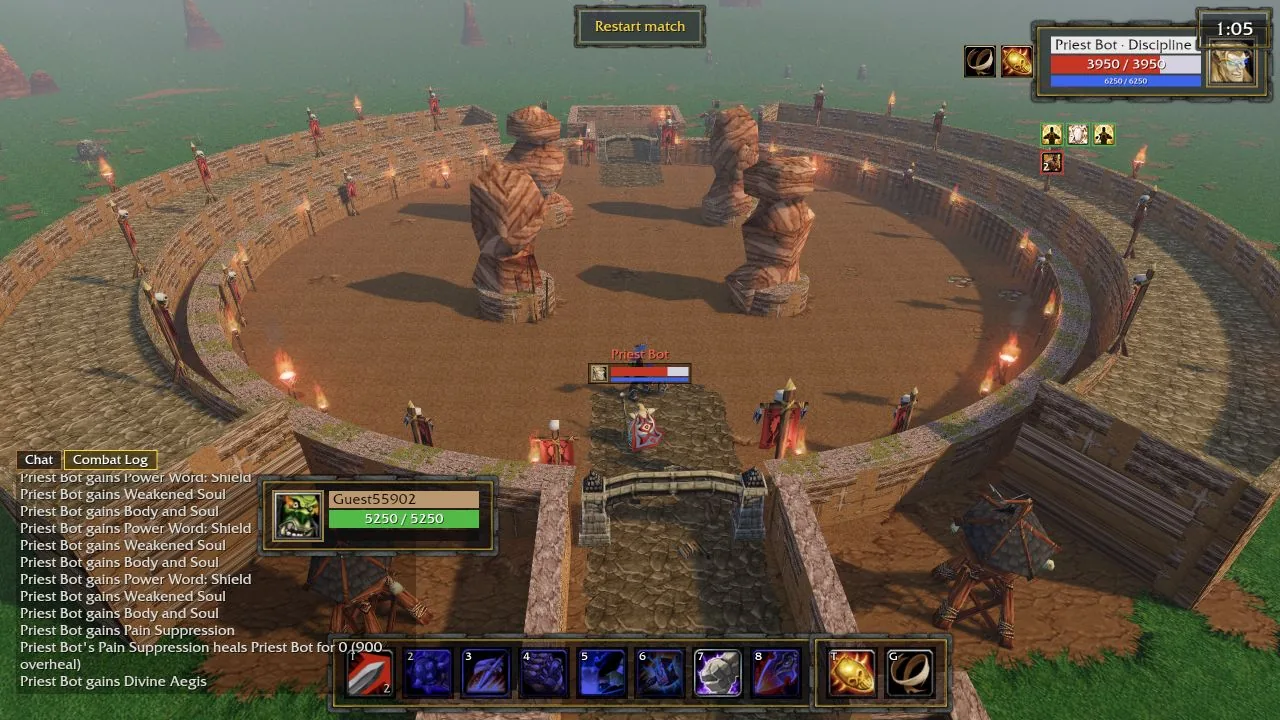
After the match, identify one concrete event: a missed interrupt, a defensive used too late, or a chase behind a pillar. Practice that situation next. These are editorial learning suggestions, not findings from a tested match sample.
Keep your reference current
This guide describes the v0.21 public snapshot. The game changes quickly; check the patch history and the in-game help when behavior differs. Play and download only through arenaofchampions.live.
Open the official game ↗